Download invoices for tax
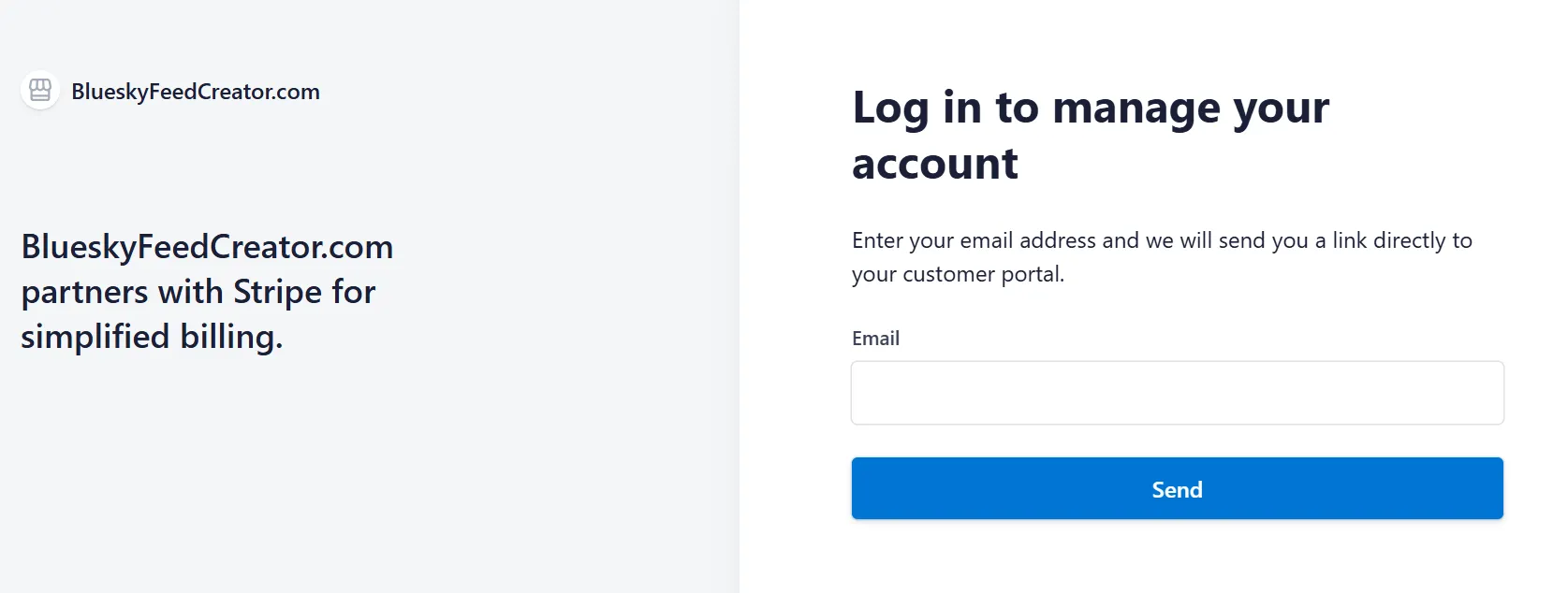
If you need invoices for accounting or tax claims, you can download them from the Stripe Customer Portal linked from your account.
- Sign in to Bluesky Feed Creator.
- Open the Subscribe page.
- Select Manage your subscription in Stripe.
- In the Stripe Customer Portal, open Invoice history.
- Select the invoice you need and download the PDF.
If you cannot see the Stripe portal link, make sure your account has an active Stripe subscription first.