Setting up a feed with people you follow
The People I Follow template builds a following feed from everyone your Bluesky account follows. Bluesky Feed Creator syncs those accounts into an allow list, then captures their posts into your feed. You can leave include terms empty for all posts from people you follow, or add include and exclude terms to narrow what appears.
This requires a paid plan, to make use the synced lists feature.
If you want a feed that also discovers posts from outside your follows (for example with hashtags across the network), use the Custom following feed template instead.
Create the feed
Section titled “Create the feed”- Log in to Bluesky Feed Creator and open Create a new feed.
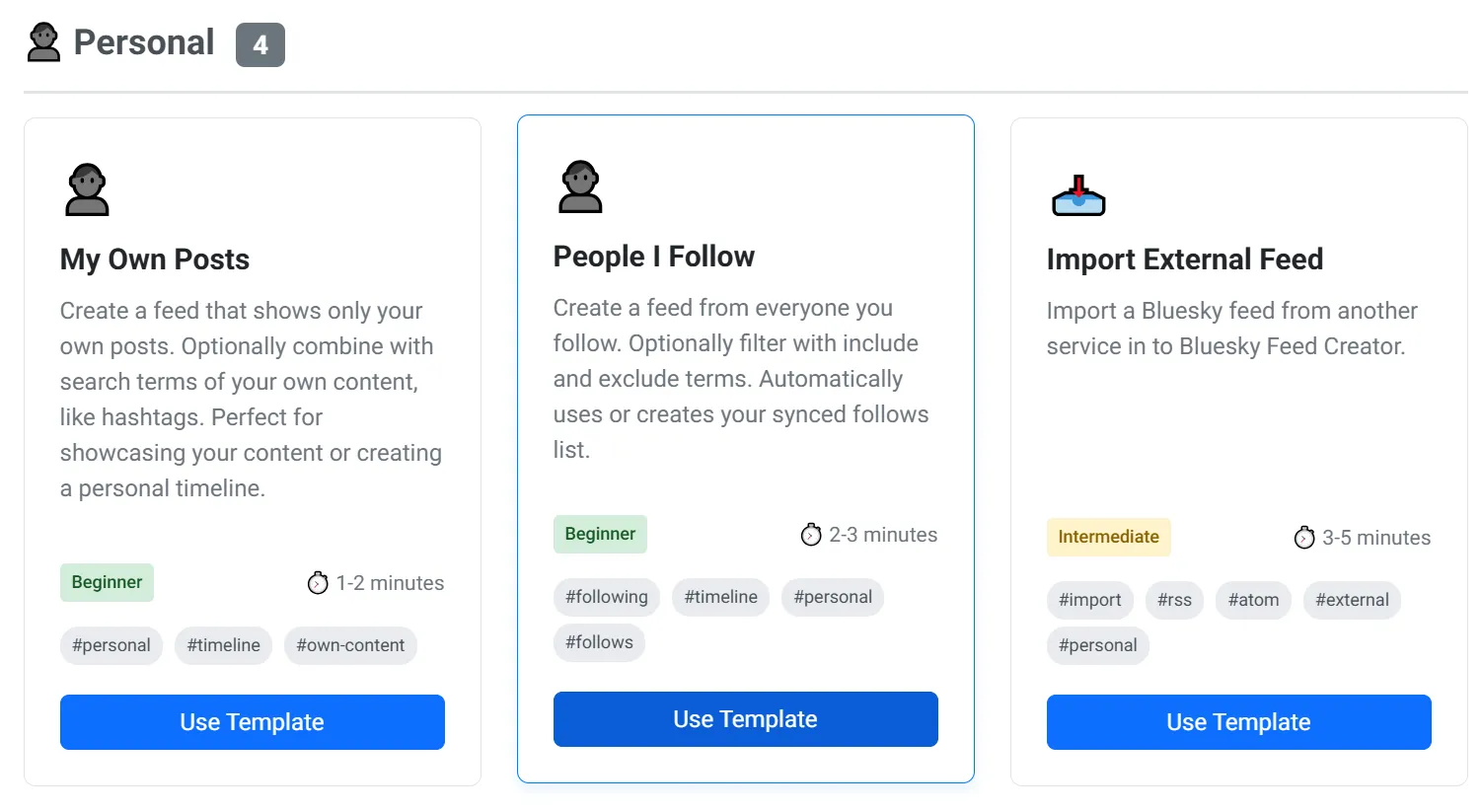
- Under Personal, find People I Follow and click Use Template.
Basic Information
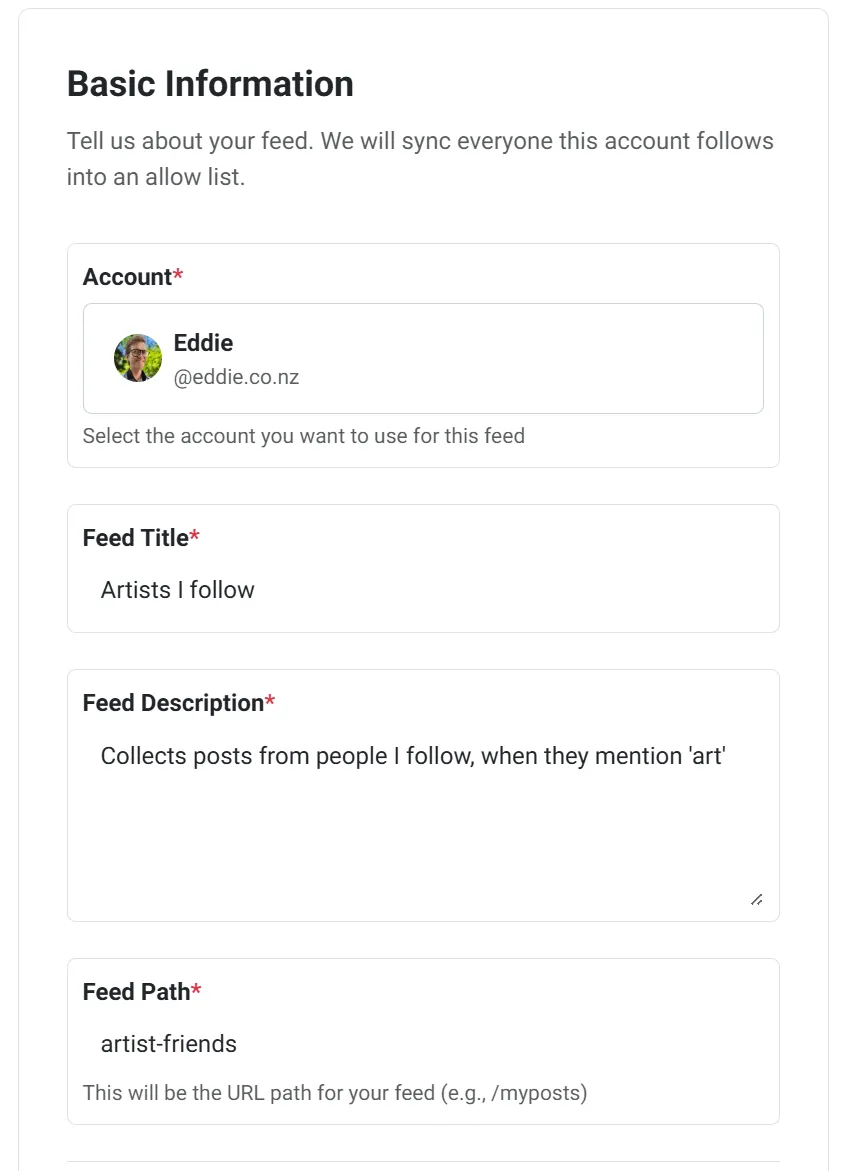
Section titled “Basic Information”On the Basic Information step, fill in:
- Account — the Bluesky account whose follows should be synced
- Feed Title
- Feed Description
- Feed Path — the short URL path for your feed (letters, numbers, and hyphens)
Click Next: Configure Settings. Bluesky Feed Creator loads a preview of your following timeline before the next step.
Feed Settings
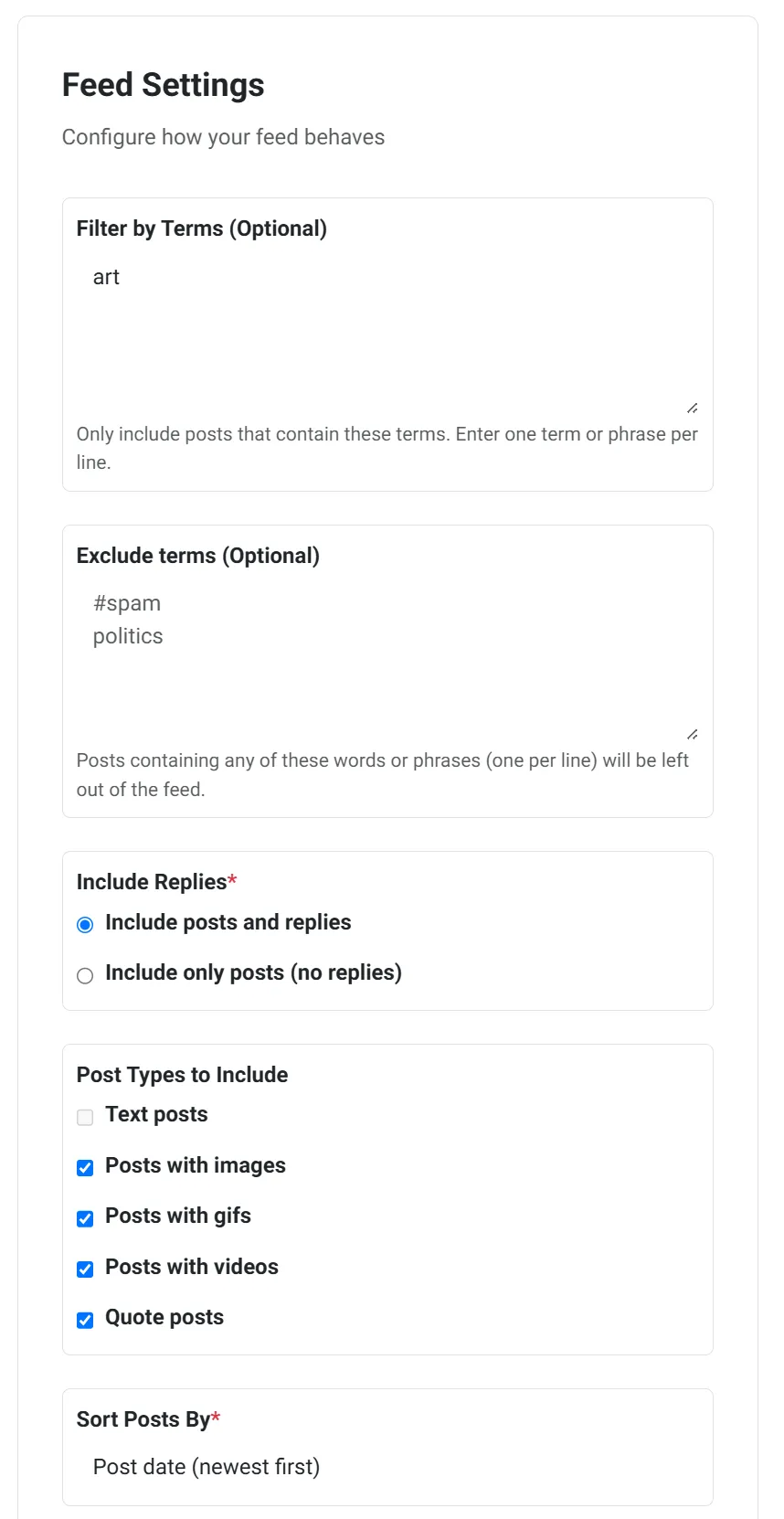
Section titled “Feed Settings”On the Feed Settings step you can refine what goes into the feed. A live preview shows how recent posts look with your current choices; use Update preview after changing settings.
- Filter by Terms (Optional) — one term or phrase per line. Leave this empty to include all posts from people you follow. When you add terms, only matching posts from your follows are included (not posts from the whole Bluesky network).
- Exclude terms (Optional) — posts containing any of these words or phrases are left out
- Include Replies — include posts and replies, or only posts (no replies)
- Post Types to Include — text posts, images, gifs, videos, and quote posts
- Sort Posts By — newest first, most liked, or most replied to
- Retention Limit — how many posts to keep in the feed (Standard and Premium)
When you are happy with the preview, click Create Feed. Progress is shown while the feed is created and your follows list is synced.
After creation
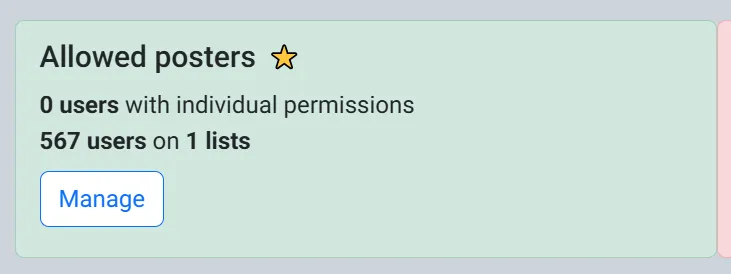
Section titled “After creation”You land on your new feed. Behind the scenes, Bluesky Feed Creator attaches or reuses a synced follows list named like eddie.co.nz's Follows, so new follows can keep flowing into the feed as the list stays in sync.
You can change include and exclude terms, replies, post types, and other settings later from the feed’s edit page, the same way as any other feed.