Plans & Resource Limits settings
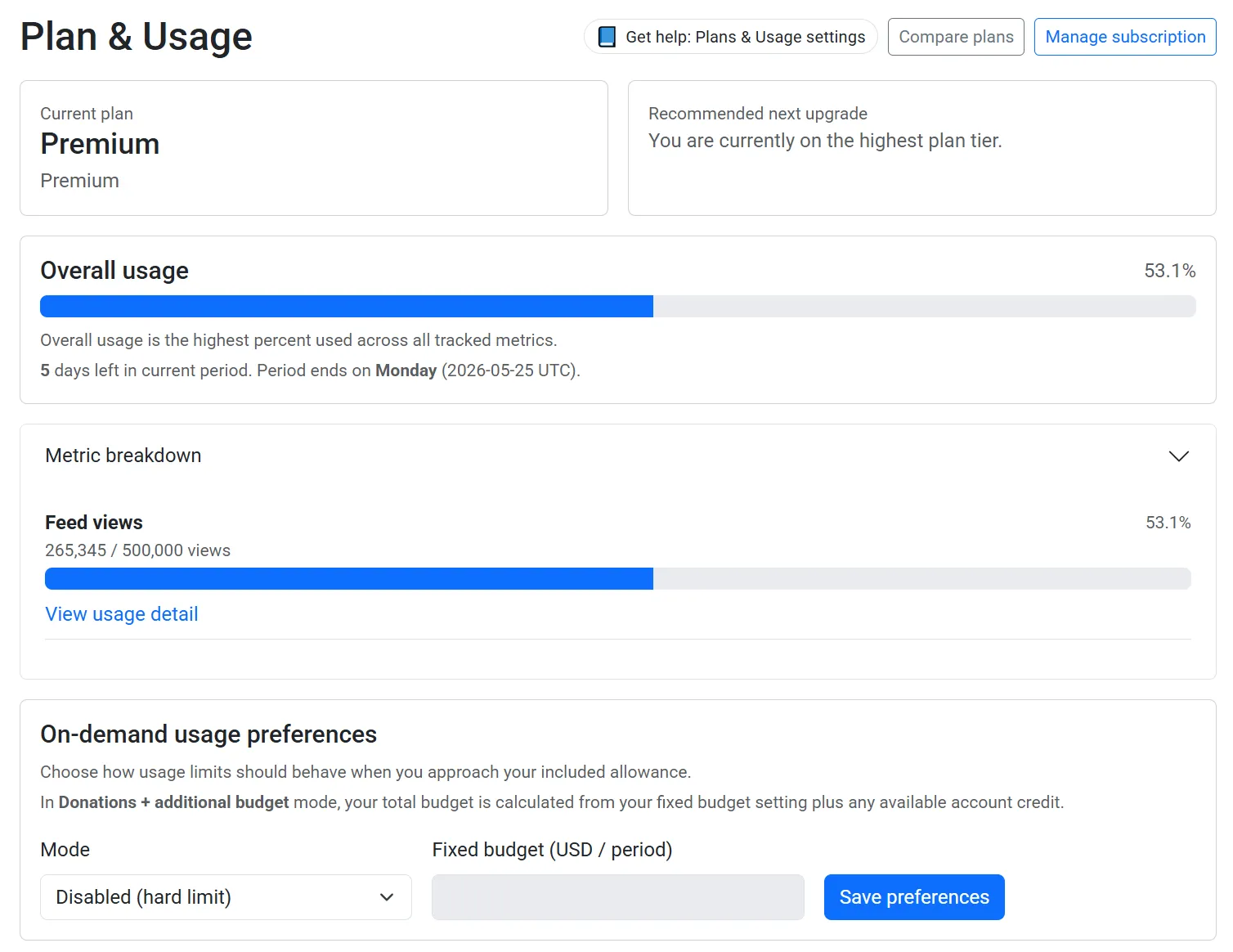
The Plan & Resource Limits page shows how much of your included usage you have used this period, and lets you choose what should happen when you get close to your limits.
Where to find it
Section titled “Where to find it”Open Plan & Resource Limits from the main menu, or go to:
How usage works
Section titled “How usage works”Feed views are counted across all feeds owned by your account for the current billing period.
- Your plan includes a base number of views each month.
- Views above that amount are overage views.
- Overage rate: $0.10 per 1,000 views.
On-demand usage preferences
Section titled “On-demand usage preferences”Disabled (hard limit)
Section titled “Disabled (hard limit)”When your limit is reached, extra feed views are not billed.
If usage stays over the limit, viewers only see older posts until usage resets or your settings change.
Donations + additional budget
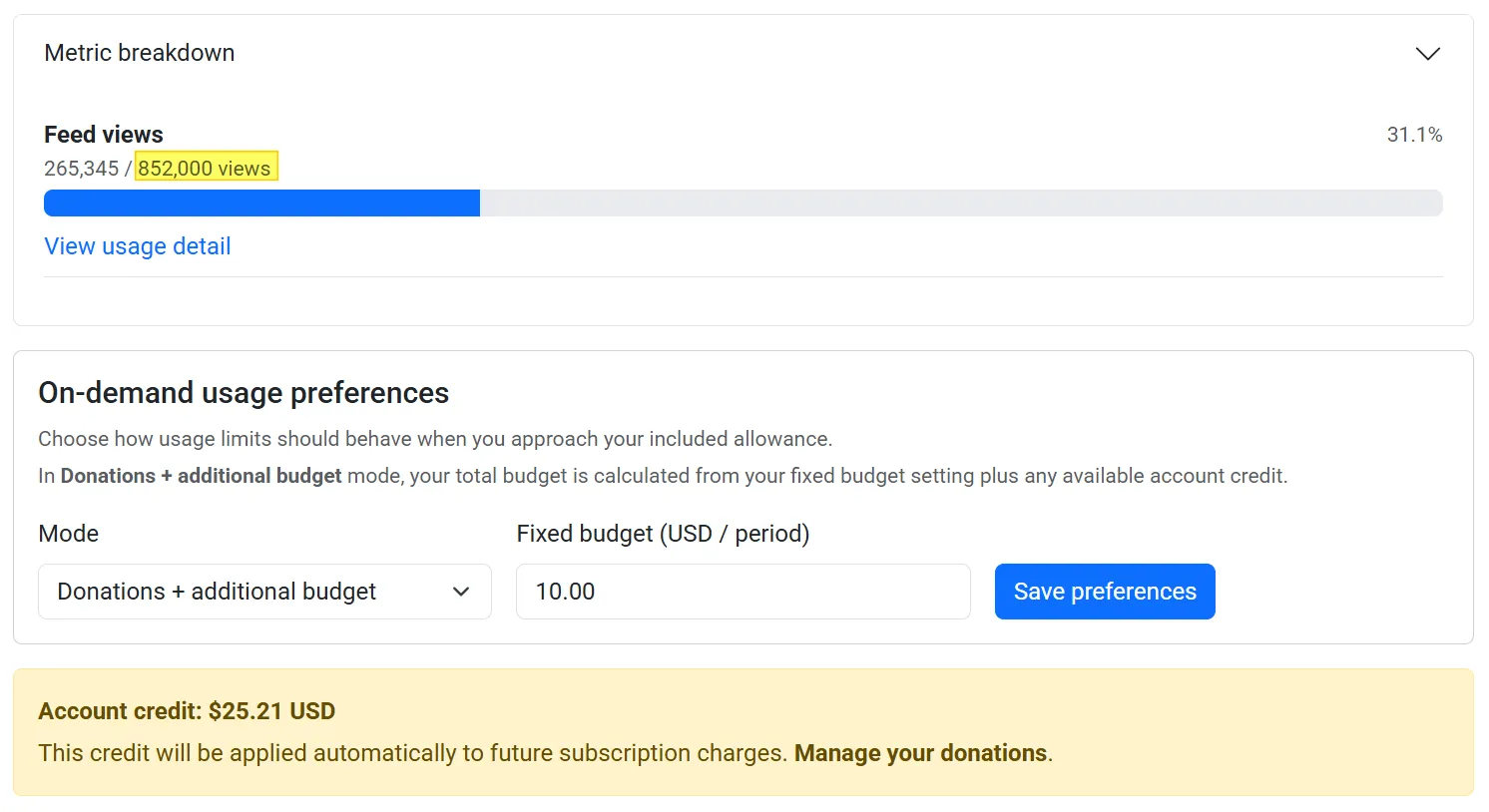
Section titled “Donations + additional budget”This mode lets you continue past included usage within a budget.
Your total available budget is:
your fixed budget setting + your available account credit
Once that budget is used up, limit behaviour is the same as disabled mode.
Unlimited
Section titled “Unlimited”Feed views continue without limit-based feed cut-off behaviour.
Active subscription requirement
Section titled “Active subscription requirement”To use Donations + additional budget or Unlimited, your Stripe subscription must be active.
If there is no active subscription, your usage mode is treated as Disabled.
Donations and unlocking view limits
Section titled “Donations and unlocking view limits”Feed viewers can donate from your feed’s public page. Donations are added to your account credit.
If your usage mode allows additional budget (for example Donations + additional budget), that credit can increase your available overage budget to immediately allow your feed to receive views again. This allows your feed viewers to donate and then be able to use your feed again straight away.
Donations + additional budget is the default behaviour.
If you manually switch your mode to Disabled, donation credit will not be used to extend view limits. You can still use your donation credit to upgrade your plan later.
You can learn more about donations here:
What happens when your limit is hit
Section titled “What happens when your limit is hit”When your usage reaches warning/exceeded thresholds, you may receive usage notifications.
If your feed is currently limited:
- viewers will only see posts older than the limit timestamp
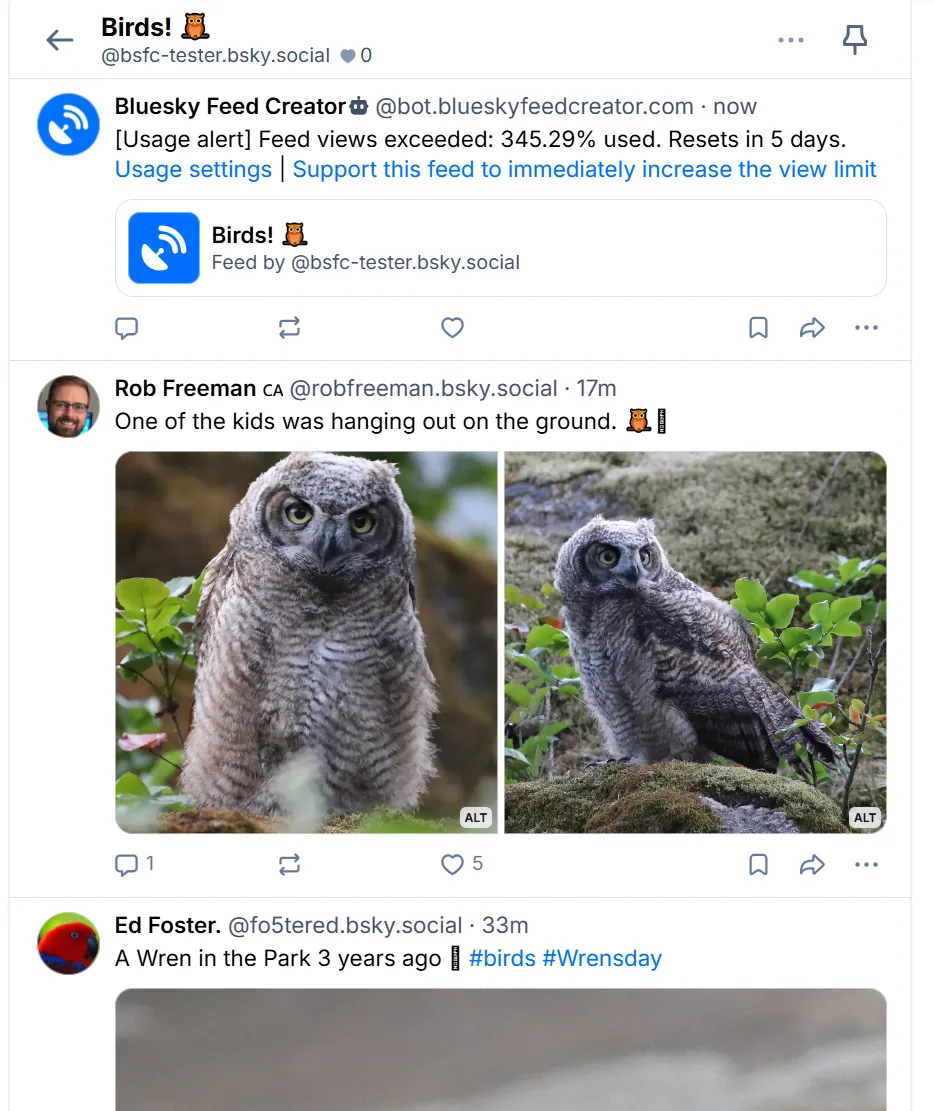
- a notification post can appear at the top of the feed
You can update behaviour at any time from: