Choose who can view your feed
By default, anyone on Bluesky can open and view your feed. Allowed viewers and Banned viewers let you choose who can see it — including running a private feed that only selected people can view.
Bluesky does not have a built-in “private feed” switch. With Bluesky Feed Creator, you can approximate a Bluesky private feed by enabling allowed viewers (and optionally banned viewers) so only the people you choose see your feed content.
Restricting who can view your feed is available on all plans, including the Free tier. Paid plans unlock higher individual viewer limits and list-based viewers (see Free plan limits below).
This is separate from who can post into your feed. For posting, see Posting permissions and Allowing users.
How Allowed and Banned viewers work together
Section titled “How Allowed and Banned viewers work together”- Neither enforced (default): Anyone can view your feed in Bluesky.
- Allowed viewers enabled (private feed): Only people you have added (as users or via lists) can view the feed. Everyone else sees your denial post instead of the normal feed.
- Banned viewers enabled: People you have banned cannot view the feed. They see your ban denial post instead.
- Both on: The ban check runs first. If someone is banned, they cannot view the feed — even if they are also on your allowed viewers list.
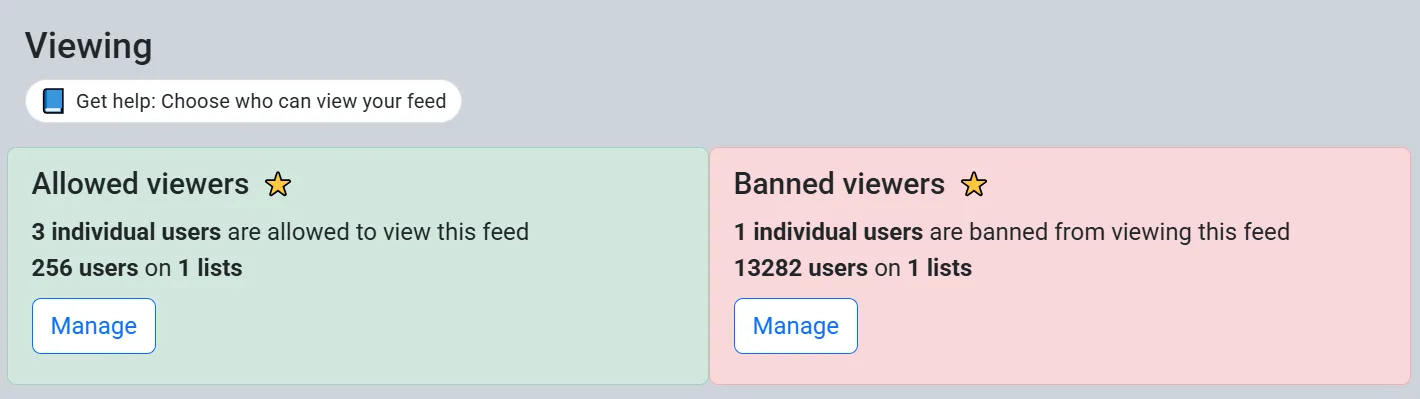
Allowed viewers
Section titled “Allowed viewers”From your feed settings page, click on the three dot menu and select Allowed viewers.
Enable allowed viewers and the denial post
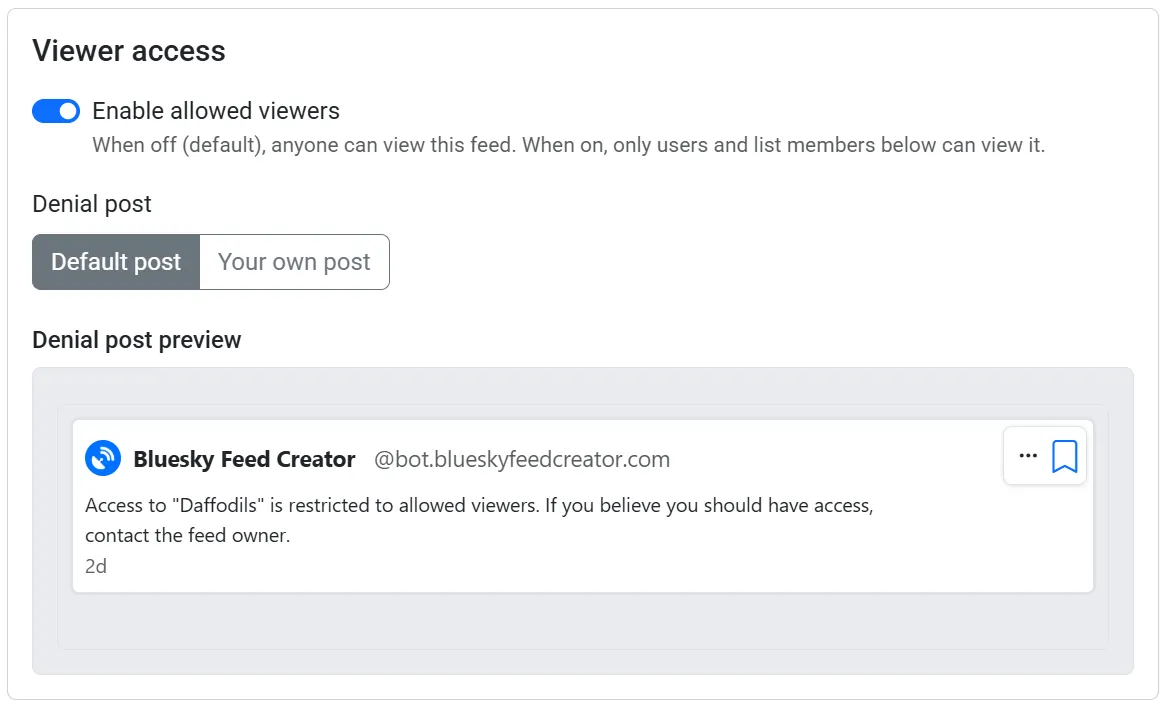
Section titled “Enable allowed viewers and the denial post”Turn on Enable allowed viewers. When someone who is not allowed tries to open the feed in Bluesky, they will see the post you set as the denial post instead of your normal feed content.
After enabling, choose Default post to use Bluesky Feed Creator’s placeholder denial post, or Your own post and paste a link under Link to placeholder post (leave blank to use the default). A preview of the denial post appears below.
Adding users
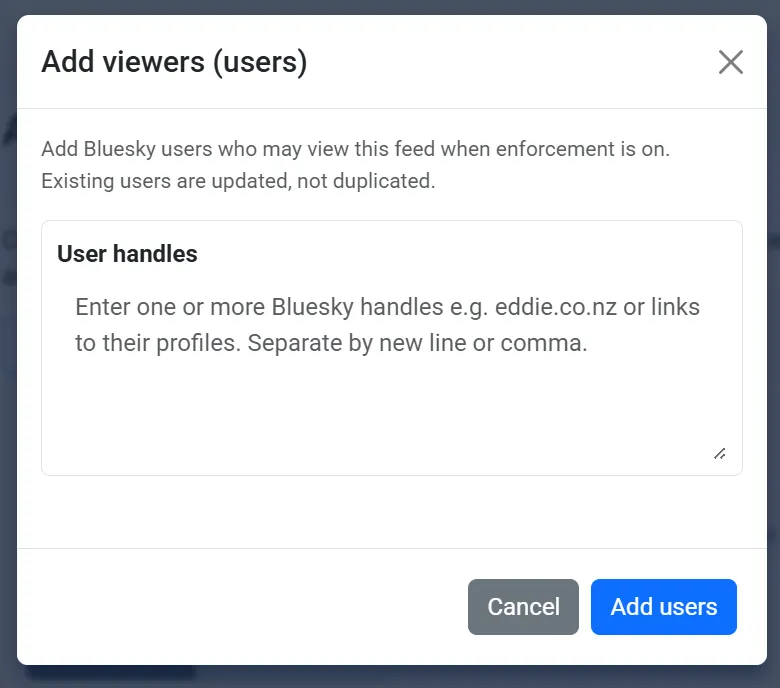
Section titled “Adding users”Click Add users and paste one or more Bluesky handles, profile links, or DIDs. Separate them by new line or comma. You can add many users at once; the import runs in the background and shows progress while it works.
Adding a list
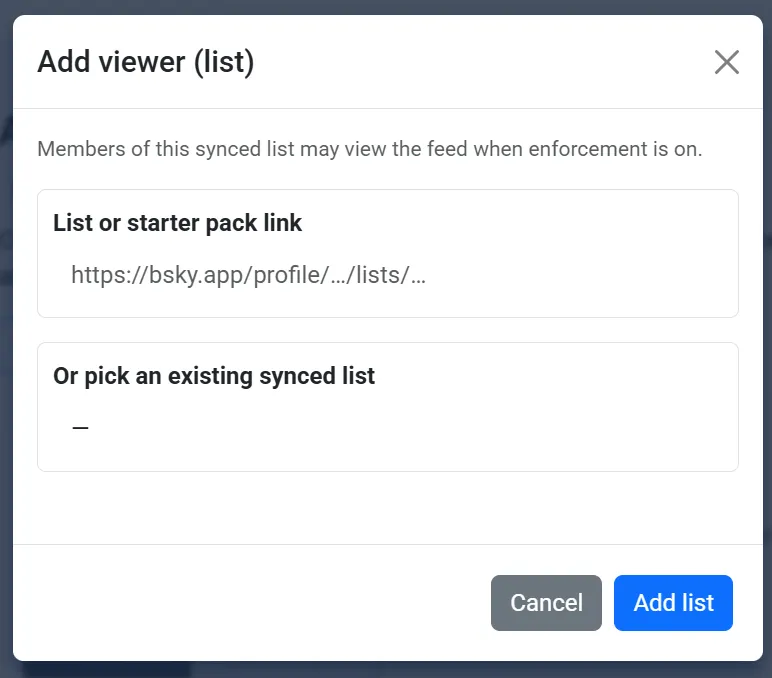
Section titled “Adding a list”On a paid plan (or while on a trial), click Add list and either paste a Bluesky list or starter pack link, or pick a list you have already synced. Members of that list may view the feed when allowed viewers are enabled.
On the Free plan, list-based allowed viewers are not applied until you upgrade.
Free plan limits
Section titled “Free plan limits”On the Free plan, only the first 50 individual allowed viewers (by earliest added) are applied when someone views the feed in Bluesky. Extra users stay on your list but are ignored until you remove some or upgrade your plan.
Banned viewers
Section titled “Banned viewers”From your feed dashboard, click on the three dot menu and select Banned viewers.
Enable banned viewers and the denial post
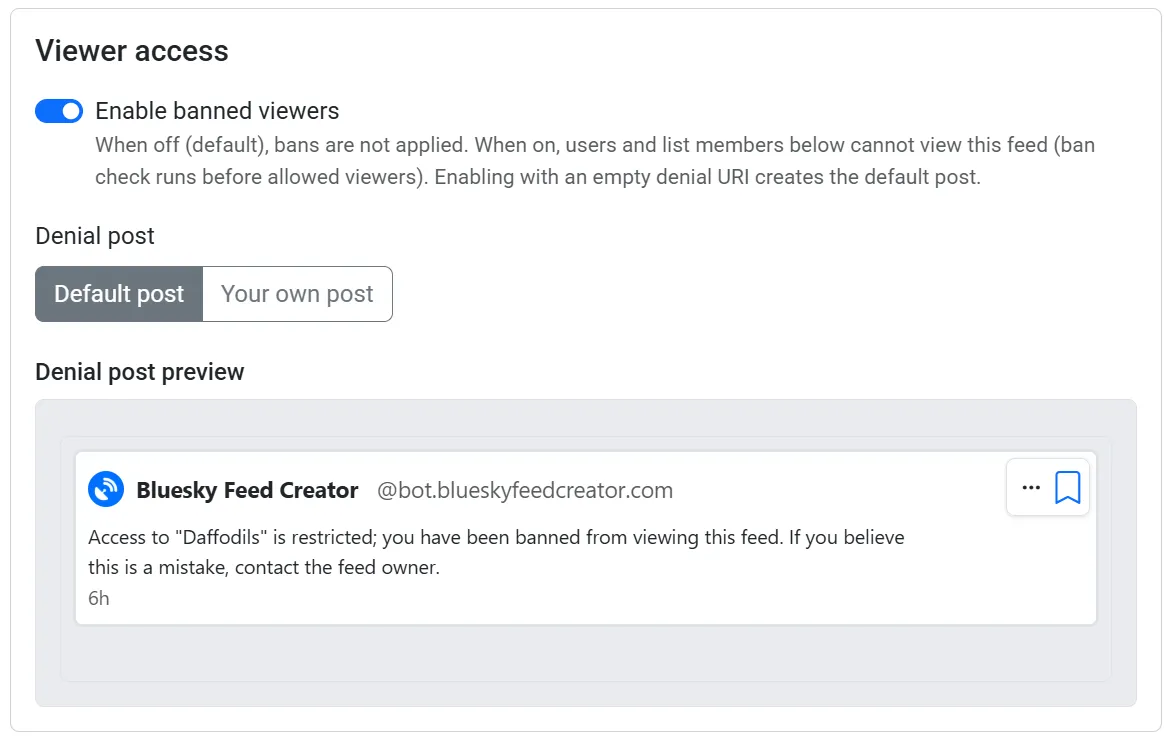
Section titled “Enable banned viewers and the denial post”Turn on Enable banned viewers. When someone who is banned tries to open the feed, they will see your ban denial post instead of the normal feed.
After enabling, choose Default post or Your own post the same way as for allowed viewers.
Banned viewers are checked before allowed viewers. A banned user cannot view the feed even if they also appear under allowed viewers.
Adding users or a list
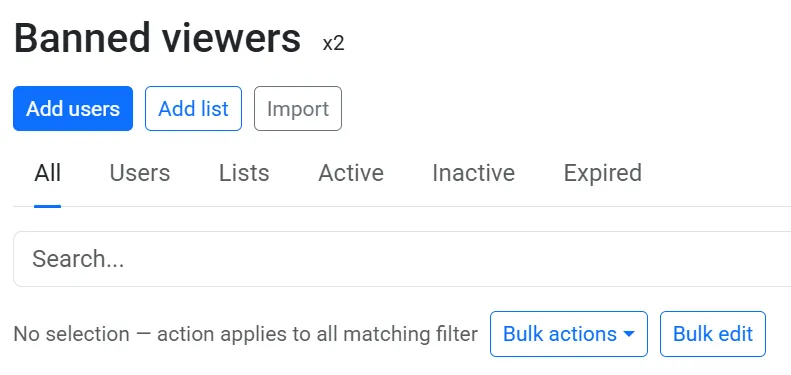
Section titled “Adding users or a list”Use Add users to paste one or more handles (same as allowed viewers), or Add list to ban everyone on a synced list or starter pack (paid/trial for lists).
On the Free plan, the first 50 individual banned viewers apply; list-based bans are not applied until you upgrade.
Active and expiry
Section titled “Active and expiry”For each allowed or banned viewer (user or list), you can set:
- Active — When off, that row is ignored for viewing until you turn it back on.
- Expires — An optional date/time. After it passes, the row is ignored for viewing (as if inactive).
Use these when you want temporary access or a temporary ban without deleting the row.

Bulk actions
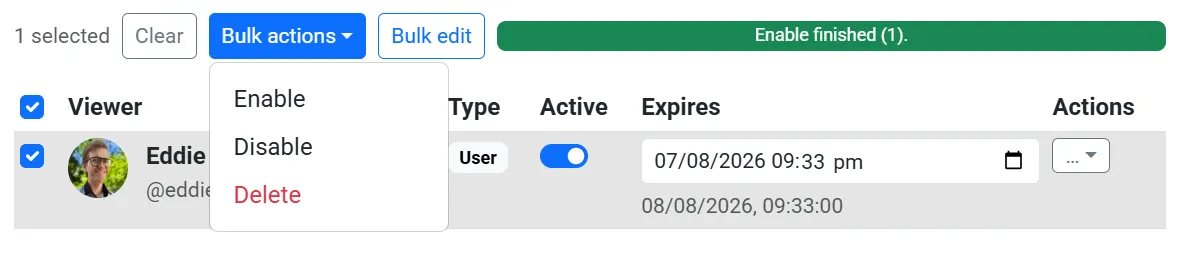
Section titled “Bulk actions”On the Allowed viewers or Banned viewers page, select one or more rows in the table, then use bulk actions to:
- Enable or Disable several viewers at once
- Remove several viewers at once
- Edit Active and/or Expires for many rows together (bulk edit)
Import from another feed
Section titled “Import from another feed”You can copy viewer lists from another feed using a settings export file.
- On the source feed, use the Export settings option to download a Bluesky Feed Creator settings file (
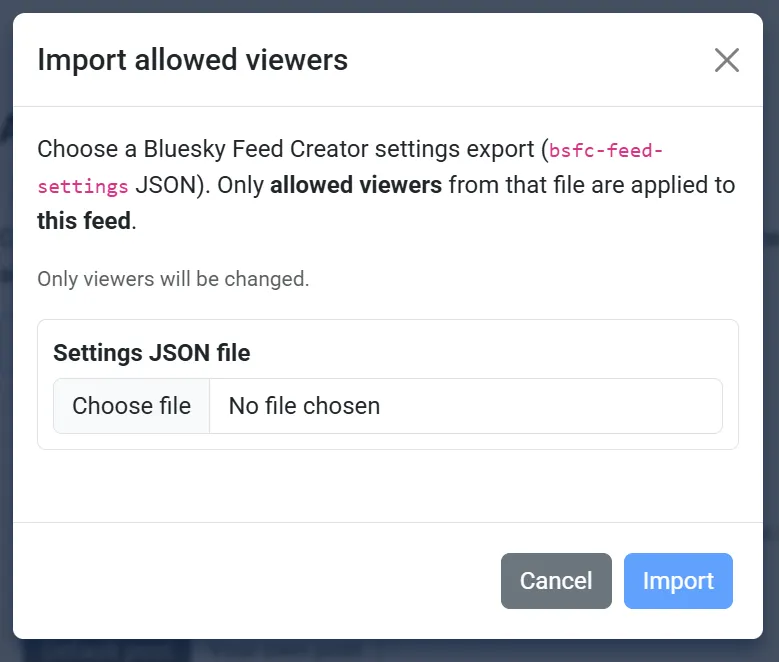
bsfc-feed-settingsJSON). - On the destination feed, open Manage allowed viewers or Manage banned viewers and click Import.
- Choose the export file. Only viewers will be changed — allowed viewers on the Allowed page, banned viewers on the Banned page.
Import does not change whether viewer access is enabled, or your denial post, on the destination feed. Other settings in the file are ignored on these pages.